Intake
Requests become work orders.
Client requests — including bulk batches — become authorized work orders with the dispatch rules and fees attached.
Platform
The request, the dispatch decision, the field record, and the released report — on one work order, with who, when, and why behind every change.
Capabilities
Intake
Client requests — including bulk batches — become authorized work orders with the dispatch rules and fees attached.
Dispatch
Offer work to eligible providers in ranked waves, cascade automatically when an offer lapses, and reassign or cancel with a stated reason.
Field records
Providers log field attempts and surveillance entries and upload evidence against the work order they were assigned.
Release
Reports move through revisions, sign-and-release, and client review. Fieldwork can be reopened when a client requests changes.
Controls
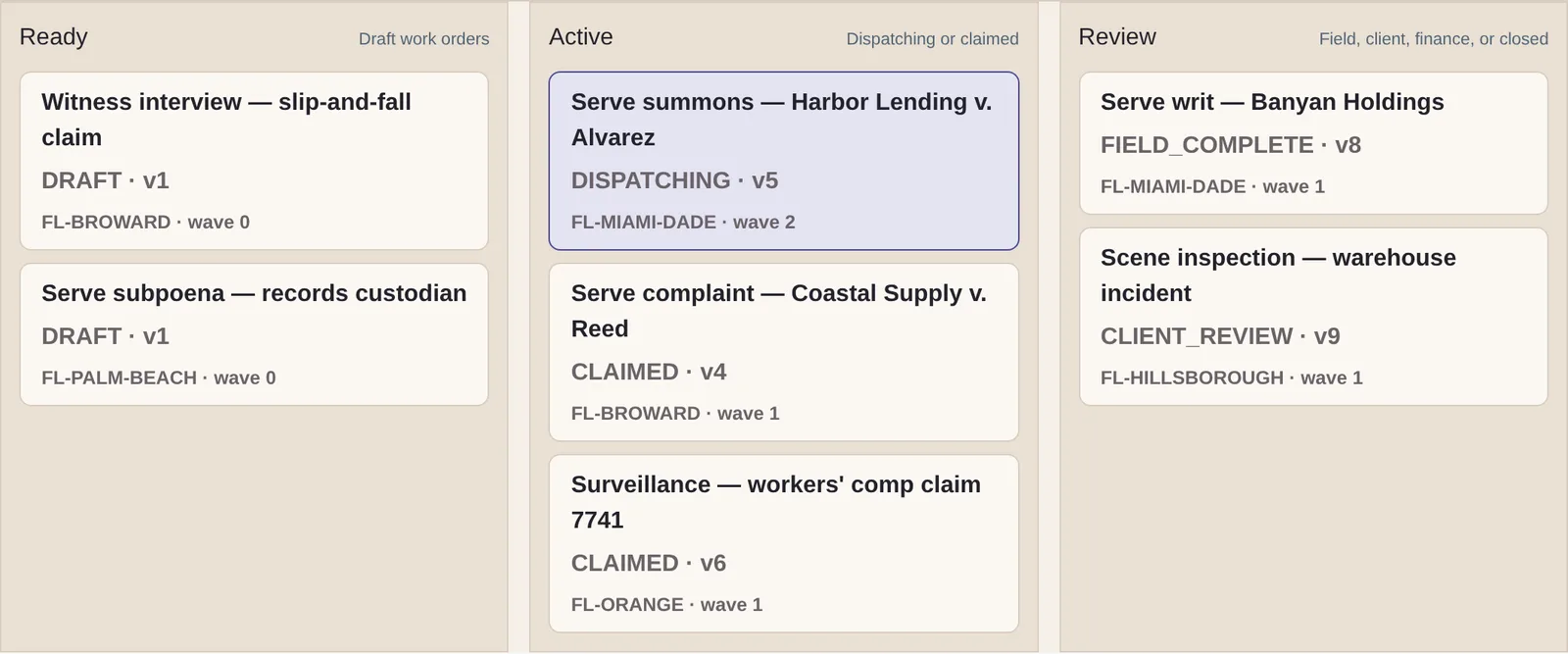
A dispatch, cascade, or release applies only to the version of the work order the operator was looking at. If a teammate changed it first, Field Confirm shows the conflict instead of silently overwriting it.
Providers are checked against the requirements locked in on the work order, so an offer cannot reach someone who no longer qualifies.
Each change and its audit entry are saved together, in one step. The record of who did what, and why, always matches the work itself.
Providers see only what they need to accept an offer. Client, case, and location details stay with the people authorized to see them.
Portal access supports multi-factor authentication, including authenticator apps and passkeys.
Explicit states
Nothing fails silently. When something is empty, blocked, or already taken, the screen says so — and says what you can do next.
Private preview
Walk through intake, dispatch, field records, and report release with our team — using sample records shaped like your own work.